

Choose your path.

Grow a topic into a map you can explore.

Follow your curiosity. Remember what you find.

Creative learning

Creating ideas…
Tap a branch, then tap again to grow it. Drag to spin.
For iPhone, iPad & MacComing to the App StoreSee how it works

Private by design · Made in Lima, Perú

Brainstorm and Deep Dive

Two ways to think.

Go wide to find new directions. Go deep to understand one. Start with either, switch any time.

Brainstorm

One idea, many directions.

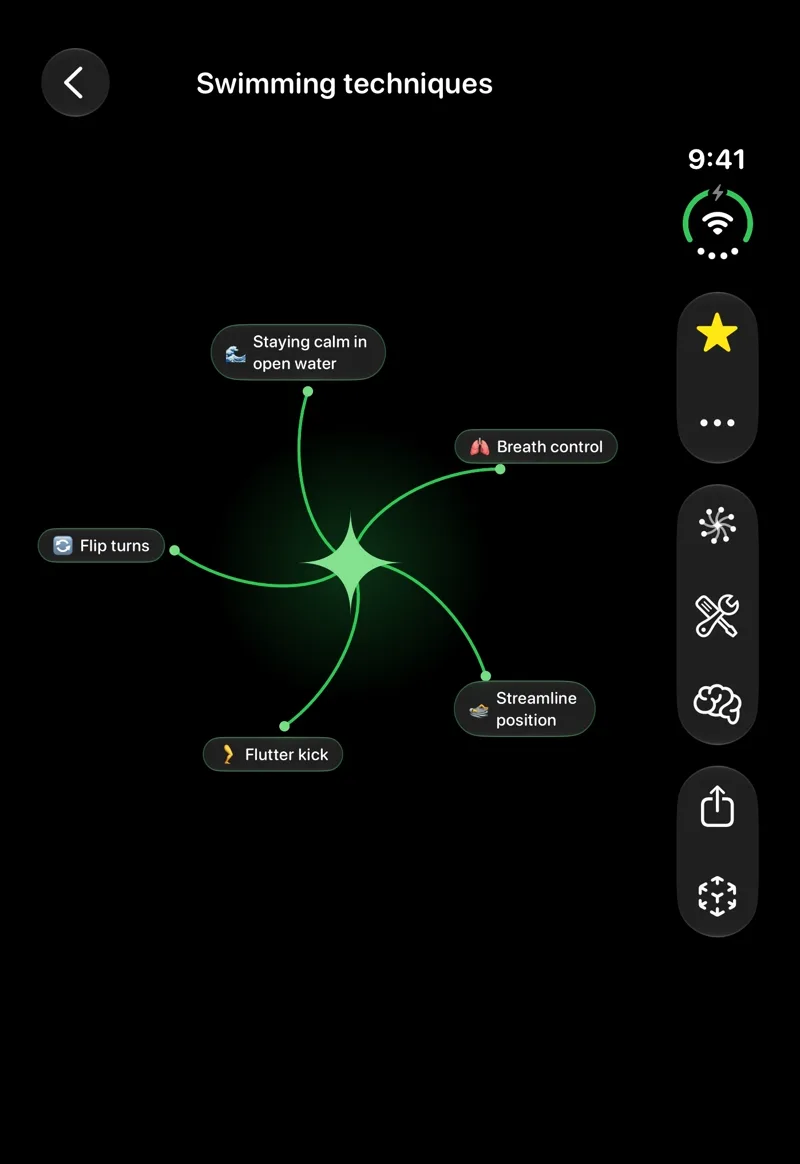
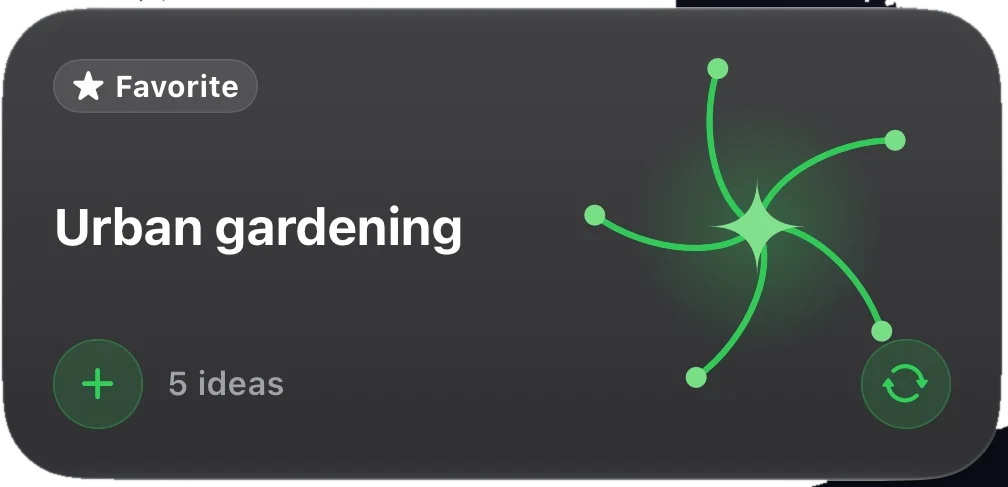
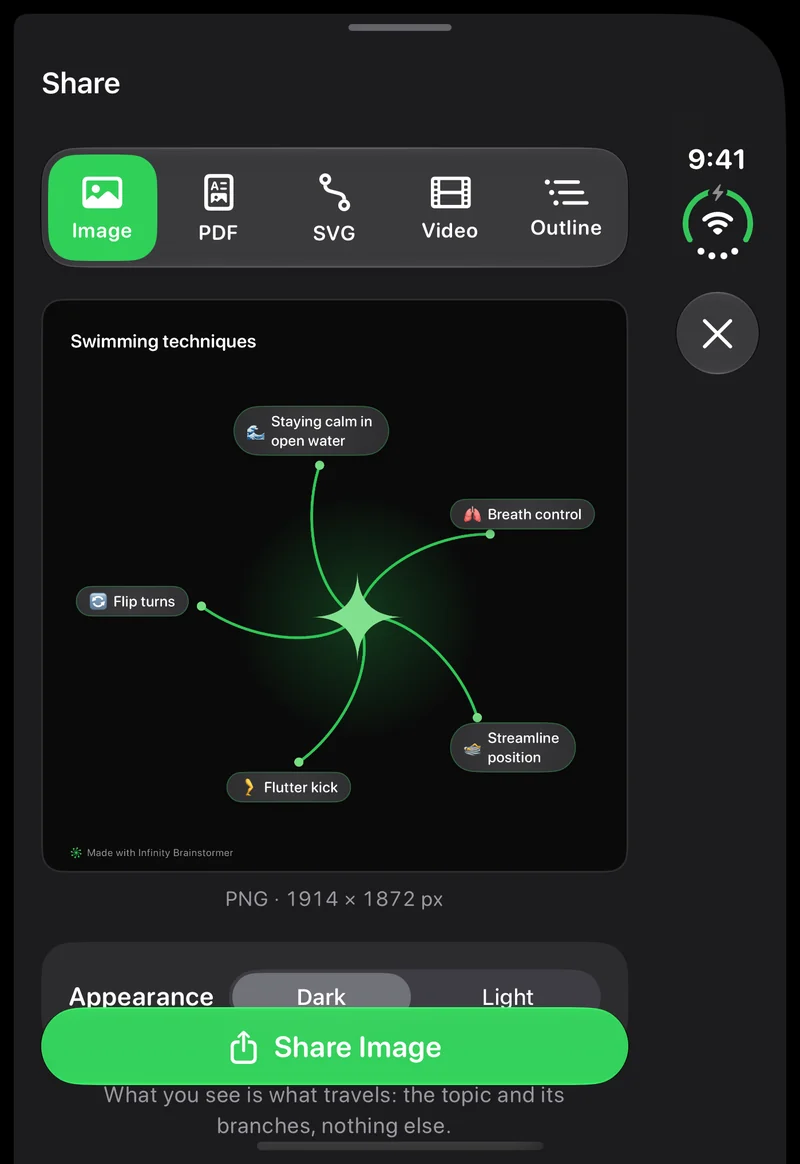
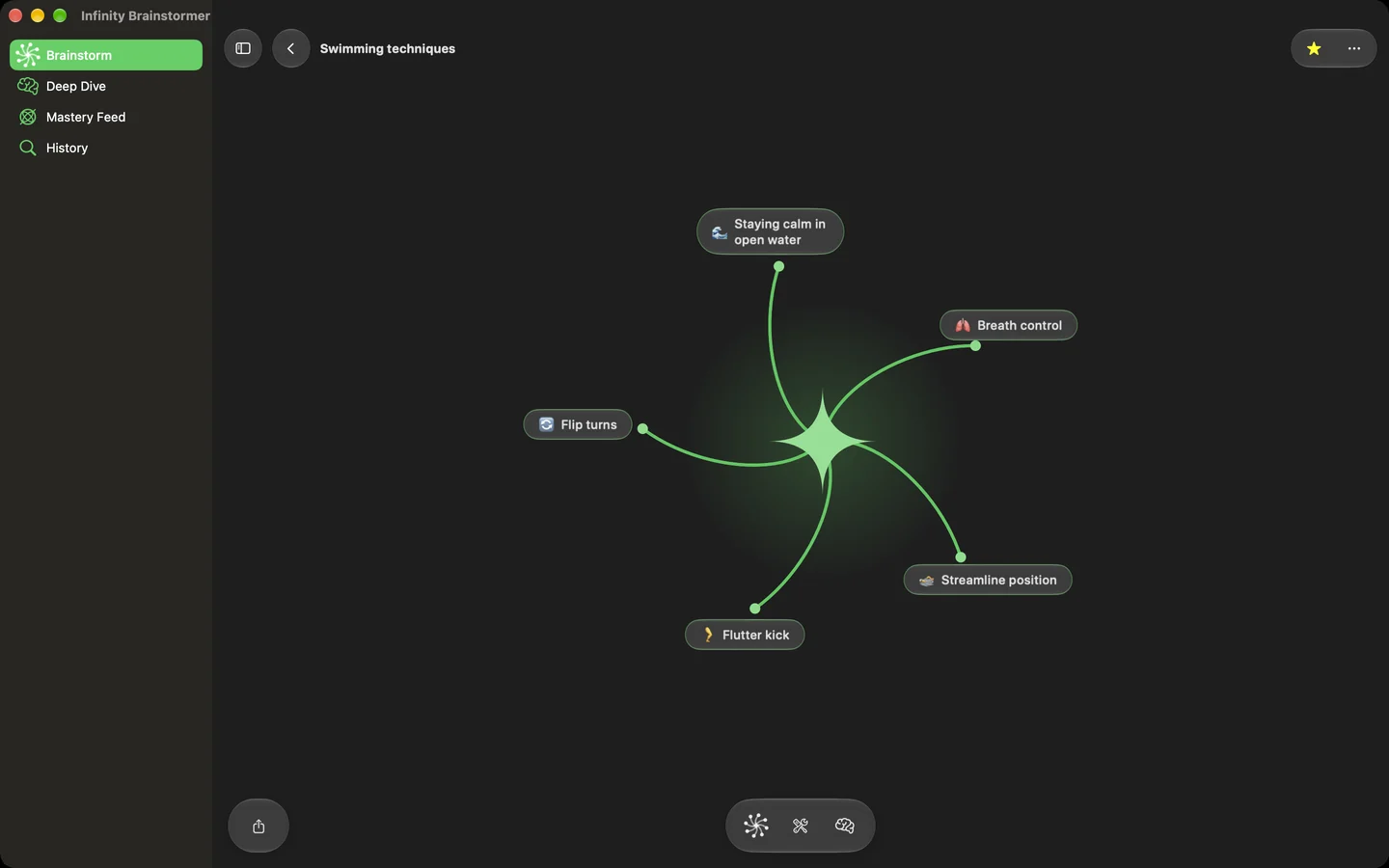
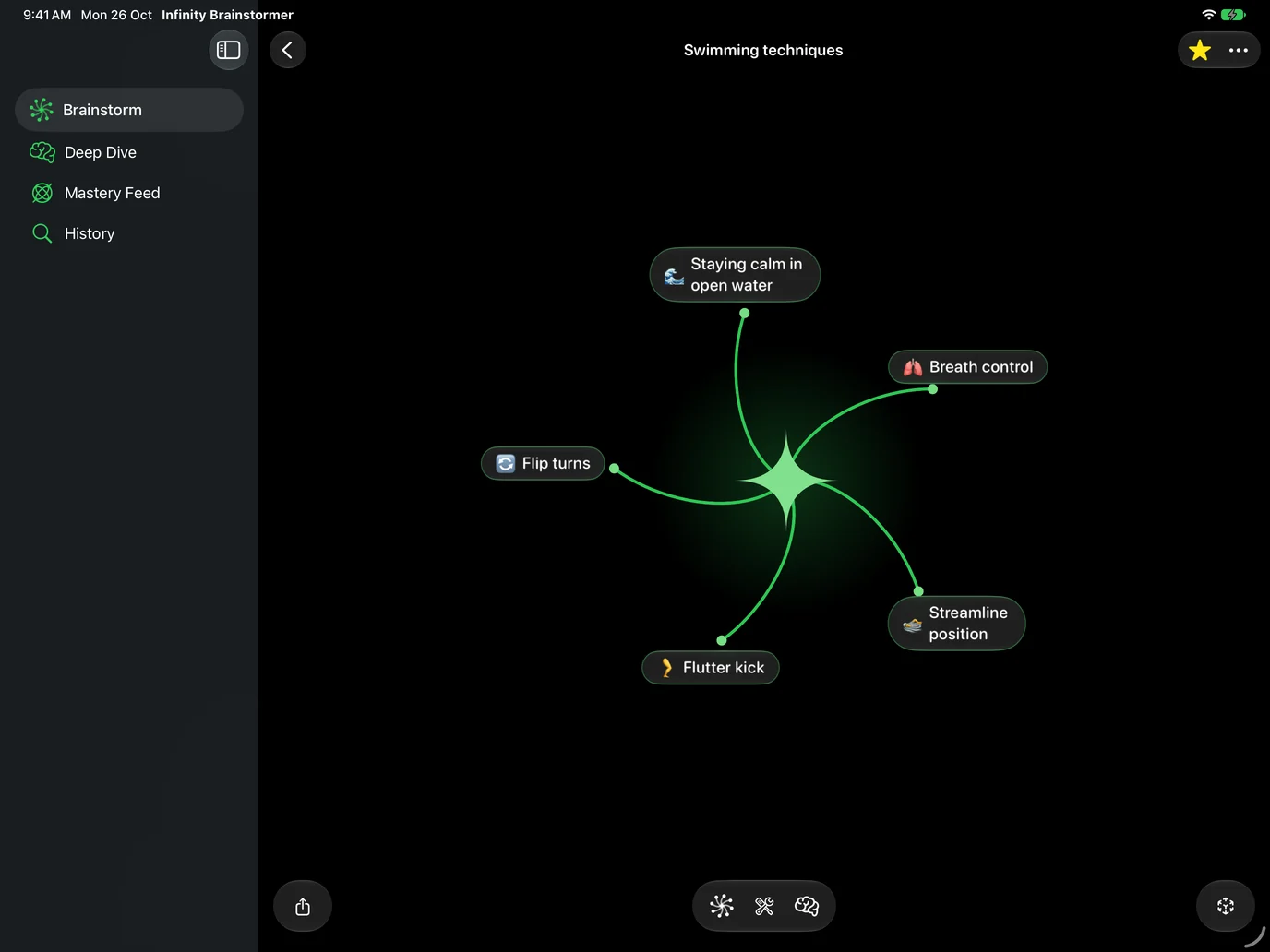
Type any topic and it grows into a map: five branches around a spark, each one a direction worth exploring. Tap a branch twice and four more ideas grow from it.

  • 5 branches from one idea
  • 4 more from any branch
  • Map or Outline view

A brainstorm on Swimming techniques: five branches around the spark

Deep Dive

Understand any concept.

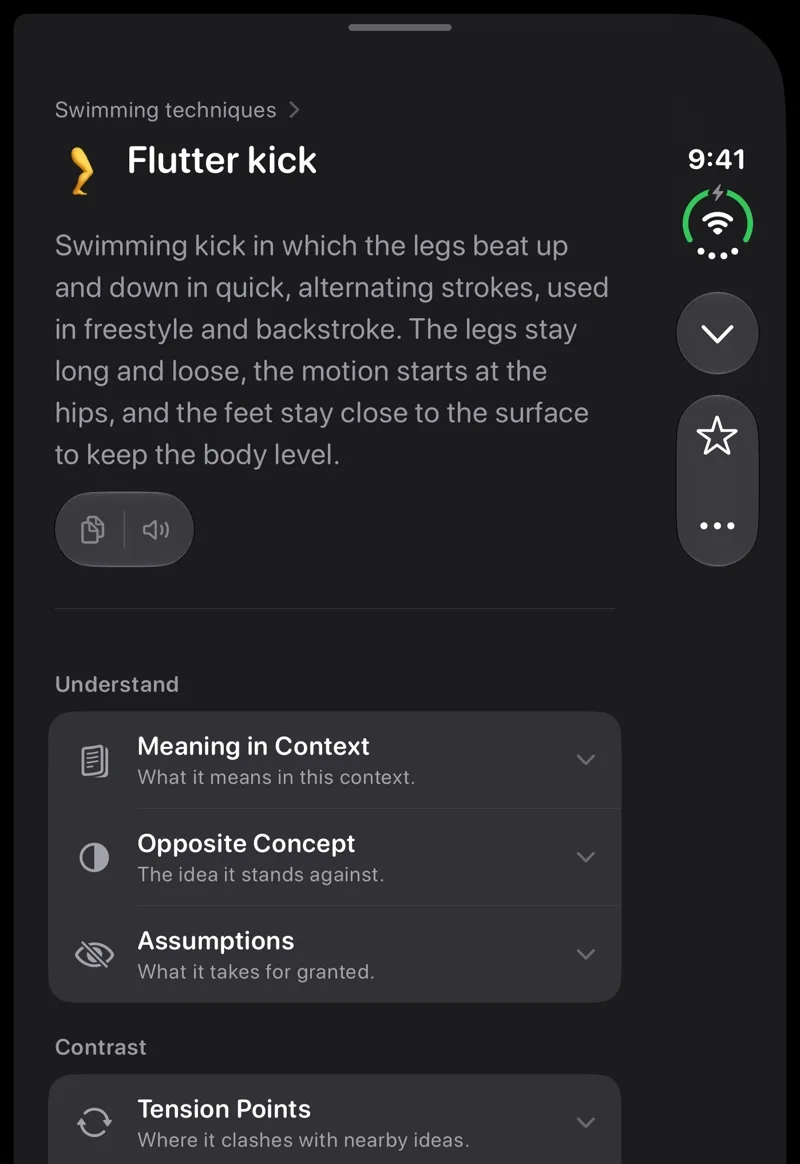
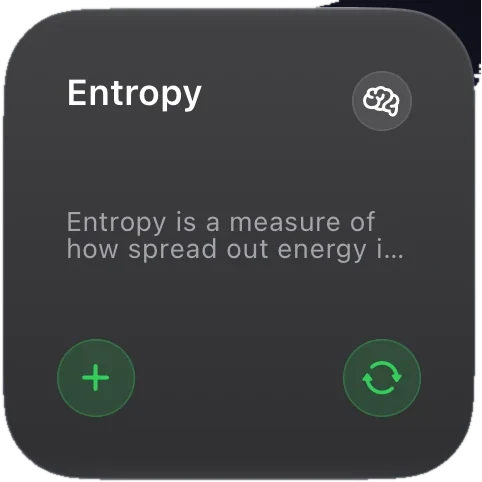
Pick a word, a term or a branch from your map. A clear Definition comes first, then the lens you need to see it from another angle.

Understand
  • Meaning in Context
  • Opposite Concept
  • Assumptions
Contrast
  • Tension Points
  • Analogies
  • Prerequisites
Apply
  • Teach It
  • Follow-Up Questions
Deep Dive on Flutter kick: its definition, then the Understand lenses Meaning in Context, Opposite Concept and Assumptions

They work together: Deep Dive any branch of a brainstorm, and brainstorm any concept you dove into.

How it works

Give the idea room to branch.

  1. One idea, many directions. It starts with the green spark on the Brainstorm tab.

  2. Type a topic or dictate it. Short on ideas? Tap Brainstorm this on the Idea of the day.

  3. While it says Generating, five branches grow out of the spark, each one a direction to take.

  4. Tap a branch to select it, tap again to expand it into four more ideas. Spin it, zoom it, go as far as you want.

  5. Tap to find its meaning: a Definition first, then the lens you need to understand it, contrast it or apply it.

    UnderstandContrastApply

iPhone · also on iPhone Duo, iPad and Mac

Mastery Feed

Good ideas should come back.

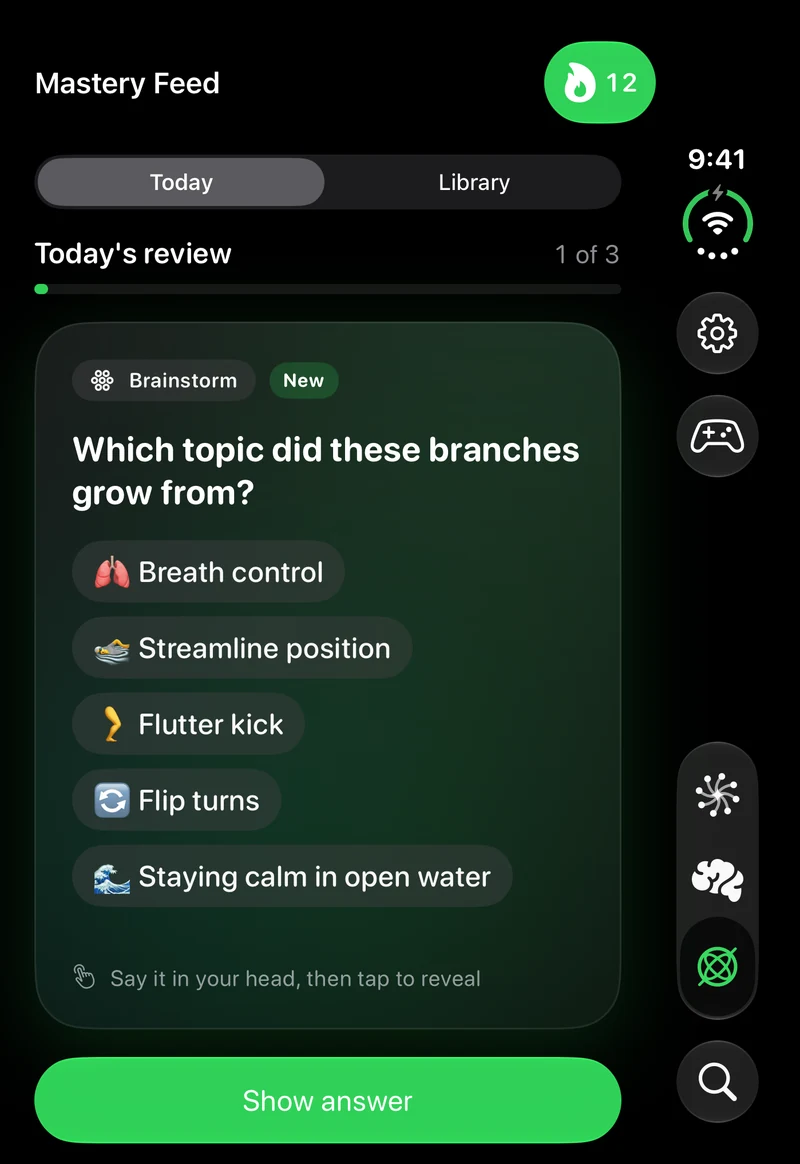
Star the brainstorms and Deep Dives you want to keep. They come back as quick cards: guess the answer, then tap to check. Knew it? It waits longer next time. Missed it? It comes back tomorrow.

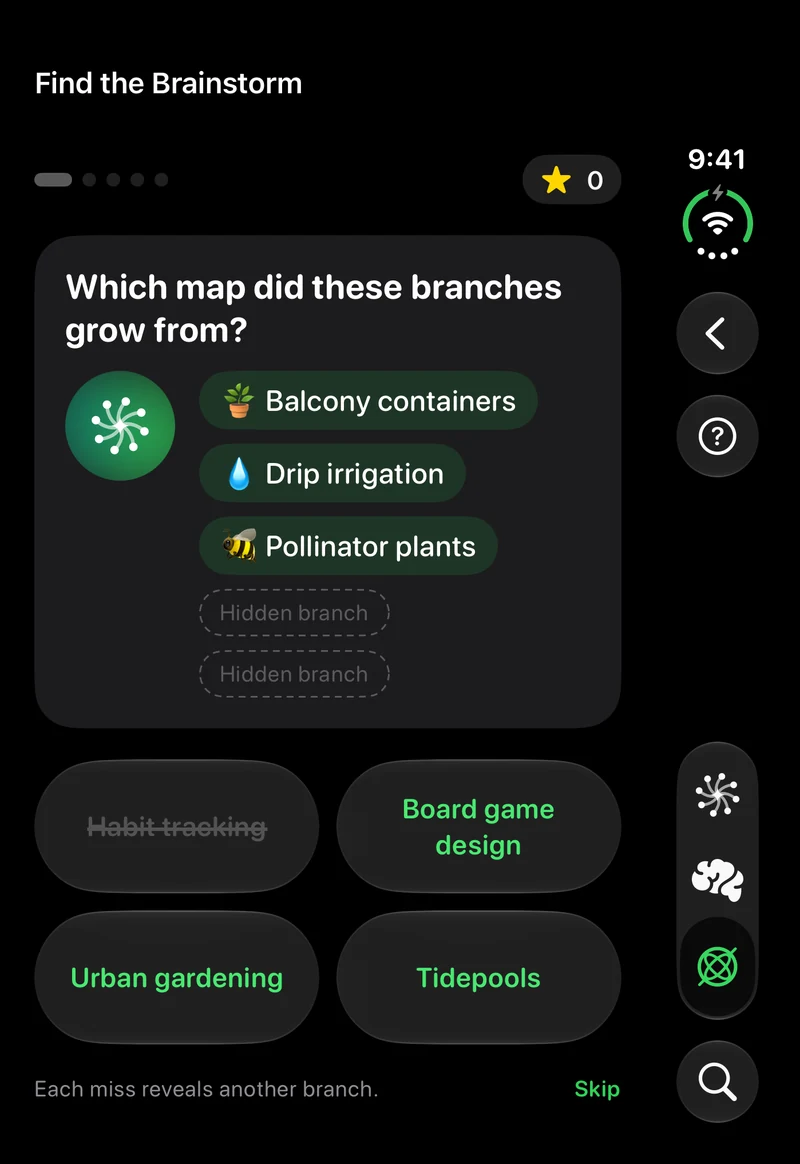
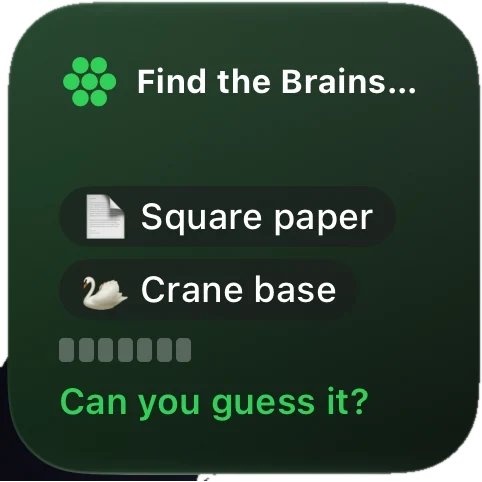
  • Play with your own maps. Find the Brainstorm is a quick round made from your own brainstorms: two branches, four topics to pick from, and every miss reveals one more branch.
    PlayPlay with your own maps.Find the Brainstorm is a quick round made from your own brainstorms: two branches, four topics to pick from, and every miss reveals one more branch.
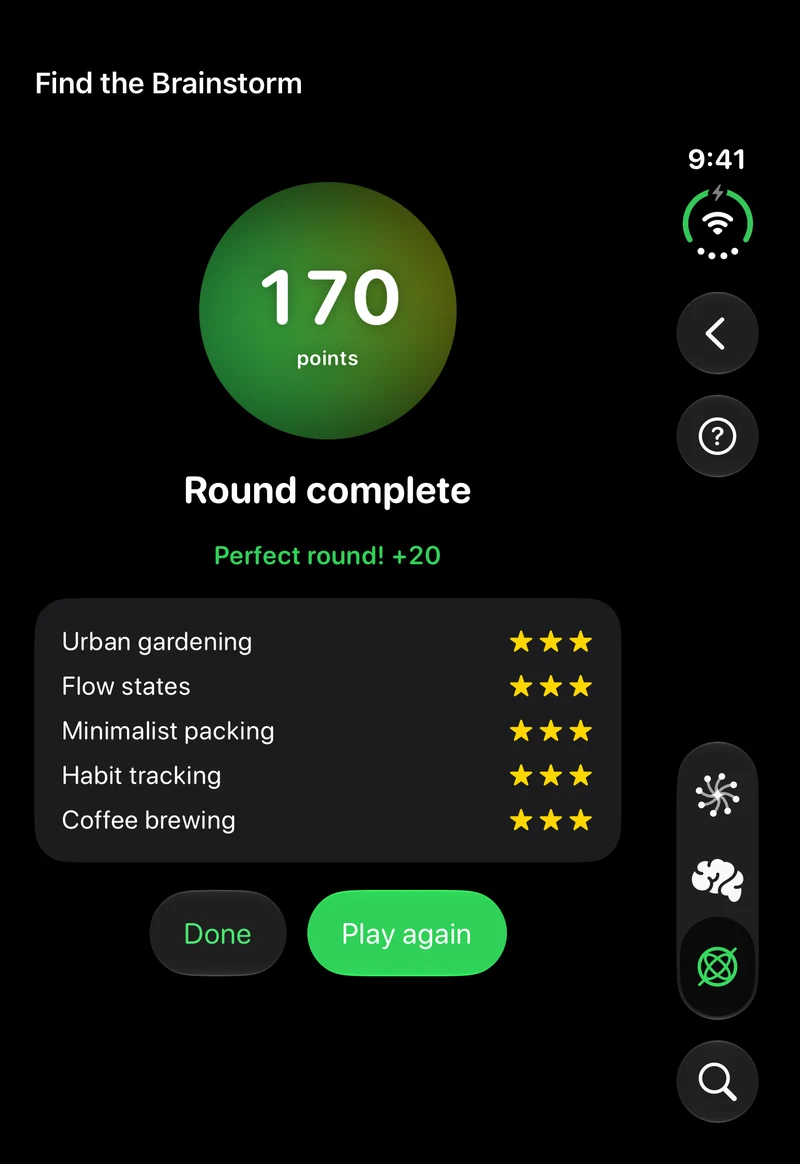
  • Score the round. 30, 20 or 10 points per map, five maps a round, and 20 more for a perfect one. Finishing a round saves a streak protector, one a day. Picture Clue plays with your illustrated Deep Dives.
    ScoreScore the round.30, 20 or 10 points per map, five maps a round, and 20 more for a perfect one. Finishing a round saves a streak protector, one a day. Picture Clue plays with your illustrated Deep Dives.
  • A few cards a day. Today's review brings back the starred sessions that are due, up to ten a day. Finishing it gives you 5 points and counts for your streak.
    ReviewA few cards a day.Today's review brings back the starred sessions that are due, up to ten a day. Finishing it gives you 5 points and counts for your streak.
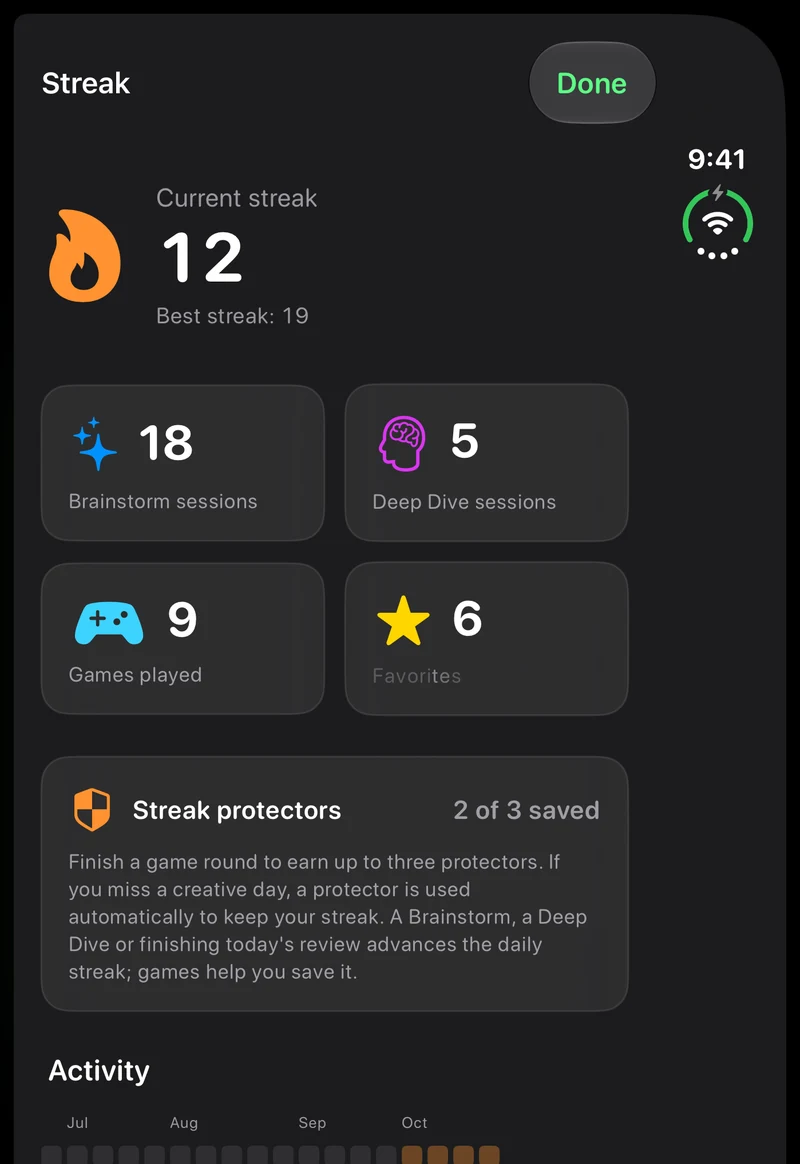
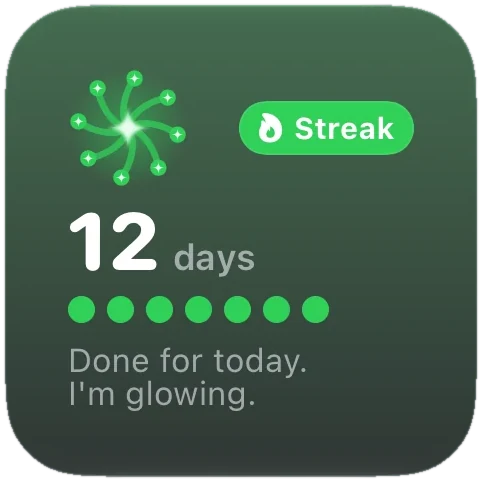
  • Keep it warm. Brainstorm (+10), Deep Dive (+5) or finish today's review (+5) and the day counts. Up to three protectors cover the days you miss.
    StreakKeep it warm.Brainstorm (+10), Deep Dive (+5) or finish today's review (+5) and the day counts. Up to three protectors cover the days you miss.

Who it's for

For every kind of curious mind.

One idea in, many directions out. Here is what a first brainstorm can look like.

Sample maps. Yours grow from whatever you type.

More

And so much more.

Everything else that comes with it, on every Apple device you own.

Also inside

  • Siri and Shortcuts
  • Spotlight search
  • Listen to any branch or Deep Dive
  • Illustrate with Image Playground
  • Lock Screen widgets
  • Outline view

Augmented reality

Walk through your ideas.

Open any brainstorm in AR on iPhone or iPad. Tap the floor and the spark plants itself like a lamp; your map grows around it, planets of light on glass tubes. Walk up to an idea and it lights up. Tap it twice to grow it, right there in the room.

Drag the view to turn the map.

Infinity Brainstormer

Free to download. Your first 10 brainstorms or Deep Dives are on us.

Coming soonComing to the App Store

Requires iPhone 15 Pro or later, iPad with M1 or later, iPad mini (A17 Pro), or a Mac with Apple silicon, on iOS 27, iPadOS 27 or macOS 27. Generated content can be incomplete or inaccurate; you stay in charge of what you keep.